
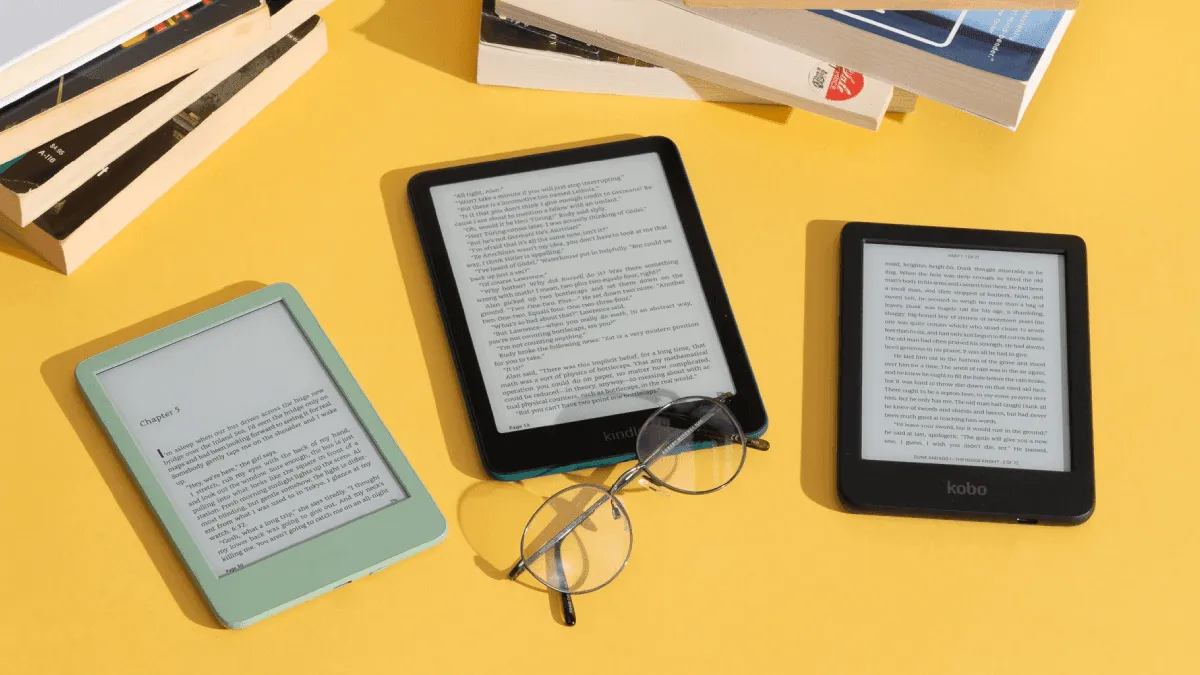
Law students read more than almost any other graduate program. Hundreds of pages of case law per week, dense judicial opinions, statutes, law review articles, and textbooks that cost more than some e-readers. Doing all of that on a laptop screen leads to eye strain, headaches, and the kind of fatigue that makes the difference between a productive study session and staring blankly at a screen at 11pm.
An e-reader will not replace your laptop for legal research, but it can replace every physical casebook and most of the PDFs you print. For a broader look at e-readers for students across disciplines, see our student ereader guide. Here is what to look for specifically as a law student.
Screen Size: 10 Inches Minimum
The single most important spec for law students is screen size. Judicial opinions and casebooks are formatted for 8.5-inch × 11-inch paper. Trying to read them on a 6-inch Kindle is like reading through a keyhole: you are zooming, panning, scrolling after every two lines, and losing the ability to see the full argument structure at a glance.
A 10.3-inch screen lets you view a full PDF page at roughly 75-80% scale, which is perfectly readable without zooming. A 13.3-inch screen displays legal documents at full size. The difference in reading comfort between 10 and 13 inches is significant for legal reading, but 13-inch devices are heavier and more expensive, and some students find them awkward to carry between classes.
The Boox Note Air 5C (10.3-inch, color E Ink) and Kindle Scribe (10.2-inch, monochrome) are the two most practical options for most law students. The Boox has the advantage of running Android, which means you can install document management apps and access cloud storage directly. The Scribe is simpler, more affordable, and has better battery life.
PDF Handling: Reflow and Annotation
Legal PDFs are notoriously tricky: they often come as scanned images from older cases, or as two-column layouts from law reviews, or with tiny footnotes that become illegible when scaled down. You need an e-reader that handles PDF reflow intelligently. For a deep dive into making PDFs readable on E Ink, see our PDF ereader optimization guide.
Both the Boox Note Air series and the reMarkable Paper Pro excel at PDF annotation. The Boox has a built-in reader that can crop margins, reflow text, and split two-column layouts into readable single-column views. The reMarkable lets you mark up documents with a pen that feels eerily close to writing on paper, and the latency is low enough that you can underline and scribble without frustration.
The Kindle Scribe has more limited PDF capabilities: you can annotate with the pen, but you cannot reflow text or crop margins. If your PDFs are mostly clean text (not scanned images), the Scribe works fine. If you regularly deal with messy scans from 1970s case reporters, the Boox is the better choice.
Battery Life for Marathon Sessions
Law students spend long days on campus: classes in the morning, library in the afternoon, study group in the evening. A device that dies at 4pm is useless.
E Ink devices have a huge advantage here. The Boox Note Air 5C and Kindle Scribe both last 1-2 weeks of heavy daily use on a single charge. The reMarkable Paper Pro lasts about two weeks. Compare that to an iPad, which needs charging every day or two with heavy PDF reading.
Eye Strain: Why E Ink Matters for Law School
Reading hundreds of pages of dense text on a backlit LCD screen causes measurable eye strain, especially over the 6-8 hour stretches common during exam period. E Ink reflects ambient light like paper and emits no blue light. For students who already get headaches from screen reading, switching to E Ink for reading assignments is genuinely transformative.
Some students use a hybrid setup: an e-reader for assigned reading and a laptop for writing briefs and doing legal research. The e-reader replaces all the physical books and printed PDFs, and the laptop handles the interactive work. This combination reduces total screen time by 60-70% and makes long study days notably less draining.
Our Pick
For most law students, the Boox Note Air 5C is the best overall choice. The 10.3-inch color screen handles PDFs beautifully, the Android OS lets you install Box/Dropbox/OneDrive for syncing case documents, and the pen input is responsive enough for margin notes and highlighting. At $499, it is an investment, but it replaces thousands of pages of printing and a significant amount of eye strain over three years of law school.
If you are on a tighter budget, the Kindle Scribe at $339 provides excellent PDF reading and basic annotation in a simpler package. It is less flexible than the Boox but more affordable and more portable.
If your primary use case is note-taking and document markup rather than reading, the reMarkable Paper Pro at $579 is the best writing experience available and handles PDFs capably, though its EPUB reading features are limited.
Whichever you choose, get a 10-inch or larger screen. Your eyes will thank you around week 12 of your first semester.
Frequently asked questions
Can you read Westlaw or LexisNexis on an e-reader?
Most e-readers cannot run the Westlaw or LexisNexis apps directly. However, you can download cases and statutes as PDFs from these services and read them on any e-reader. Some students use Calibre to batch-download and organize legal PDFs for offline reading.
Is an e-reader better than an iPad for law school?
For pure reading, yes: E Ink causes far less eye strain during 8-hour study sessions than an LCD screen. However, an iPad is better for interactive tasks like searching case databases and taking typed notes. Many law students use both: an e-reader for reading and an iPad or laptop for research and writing.
What screen size do I need for legal PDFs?
10 inches or larger. Most legal documents are formatted for letter-size paper, and reading them on a 6-inch or 7-inch screen requires constant zooming and panning. A 10.3-inch or 13.3-inch e-reader lets you view a full page at a readable size without scrolling.