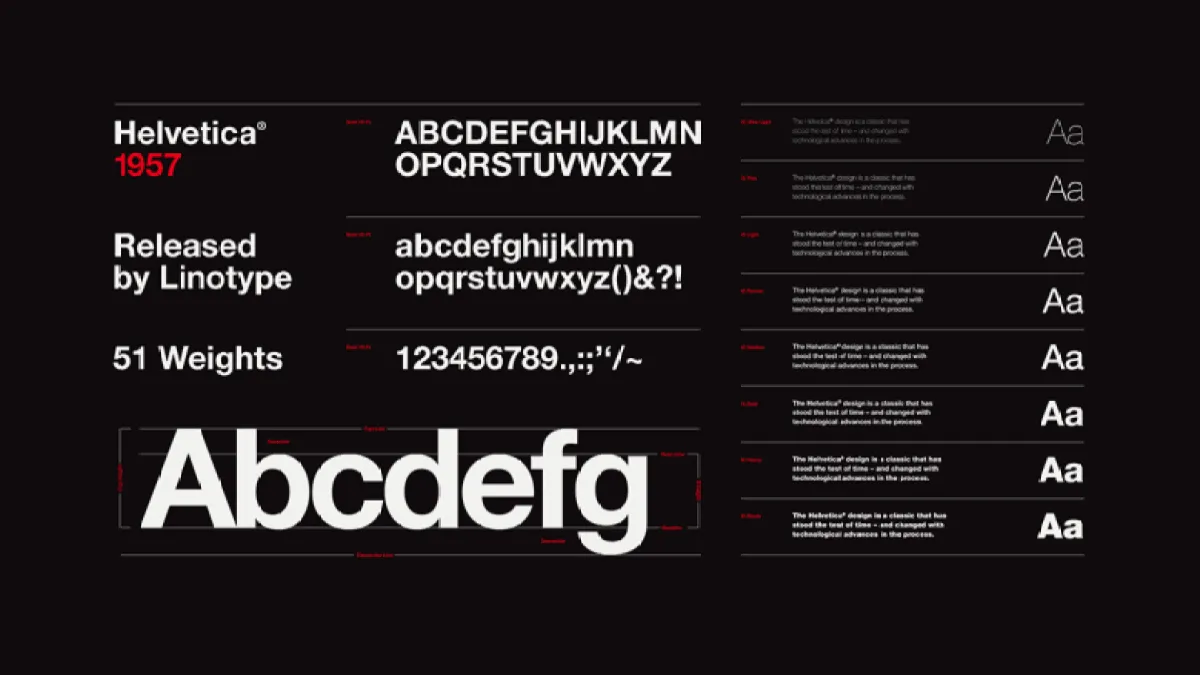
The right font transforms reading experience. Here’s our curated collection of the best free fonts for every e-reader brand.
Quick Start: Top 5 Fonts
| Font | Type | Best For | Why |
|---|
| Literata | Serif | Novels | Designed for digital reading — the #1 choice |
| Atkinson Hyperlegible | Sans | All reading | Braille Institute design — most readable |
| Crimson Pro | Serif | Books | Beautiful, like a printed book |
| Noto Serif | Serif | Multi-language | Google’s universal font |
| Open Sans | Sans | Non-fiction | Clean, modern, excellent legibility |
Where to Download (Safe Sources)
Serif Fonts (Best for Novels & Long Reading)
Serif fonts have small decorative strokes at the end of letters. They guide the eye along the line and reduce fatigue during long reading sessions.
| Font | Download | Brand Support | Character Set |
|---|
| Literata | Google Fonts | All brands | Latin, Cyrillic, Greek |
| Crimson Pro | Google Fonts | All brands | Latin (extended) |
| Libre Baskerville | Google Fonts | All brands | Latin |
| EB Garamond | Google Fonts | All brands | Latin, Cyrillic |
| Noto Serif | Google Fonts | All brands | Universal (all languages) |
| Merriweather | Google Fonts | All brands | Latin, Cyrillic |
| PT Serif | Google Fonts | All brands | Latin, Cyrillic |
| Source Serif | Google Fonts | All brands | Latin, Cyrillic, Greek |
| Lora | Google Fonts | All brands | Latin, Cyrillic |
| Cardo | Google Fonts | All brands | Latin, Greek |
| Alegreya | Google Fonts | All brands | Latin, Cyrillic |
| Charis SIL | Font Squirrel | All brands | Latin (extensive) |
Sans-Serif Fonts (Best for Non-Fiction & Quick Reading)
Sans-serif fonts don’t have decorative strokes. They’re cleaner and more modern, ideal for non-fiction and technical reading.
| Font | Download | Brand Support | Character Set |
|---|
| Atkinson Hyperlegible | Braille Institute | All brands | Latin |
| Open Sans | Google Fonts | All brands | Latin, Cyrillic, Greek |
| IBM Plex Sans | Google Fonts | All brands | Latin, Cyrillic |
| Noto Sans | Google Fonts | All brands | Universal |
| Lexend | Google Fonts | All brands | Latin |
| Fira Sans | Google Fonts | All brands | Latin, Cyrillic, Greek |
| Inter | Google Fonts | All brands | Latin, Cyrillic |
| Roboto | Google Fonts | All brands | Latin, Cyrillic, Greek |
| Lato | Google Fonts | All brands | Latin, Cyrillic |
| Nunito | Google Fonts | All brands | Latin, Cyrillic |
| Source Sans | Google Fonts | All brands | Latin, Cyrillic |
| Work Sans | Google Fonts | All brands | Latin, Cyrillic |
Specialty Fonts
Dyslexia-Friendly Fonts
| Font | Download | Why |
|---|
| OpenDyslexic | OpenDyslexic | Weighted bottom letters reduce letter swapping |
| Lexie Readable | Font Squirrel | Simplified letterforms for clarity |
| Atkinson Hyperlegible | Braille Institute | Designed for low vision, also helps dyslexia |
Monospace Fonts (For Technical Books & Code)
Display & Decorative Fonts (For Book Titles)
Font Installation by Brand
Recommended Font Setup
For Novel Reading
- Primary: Literata (serif, warm)
- Alternative: Crimson Pro (book-like)
- Fallback: Noto Serif (universal character support)
For Non-Fiction & Technical Reading
- Primary: Atkinson Hyperlegible (best readability)
- Alternative: Open Sans (clean, familiar)
- Fallback: Noto Sans (universal)
For Multi-Language Reading
- Primary: Noto Serif (covers all languages)
- Alternative: Noto Sans (sans-serif version)
For PDF Reading (Small Screens)
- Primary: Lexend (wider letter spacing)
- Alternative: Atkinson Hyperlegible (clear glyphs)
Pro Tips
- Download font families, not single files — you need Regular, Italic, Bold, BoldItalic for complete support
- 15-20 fonts max — too many fonts slow down the font menu on all brands
- Test with a family — the same font looks different on different devices
- Google Fonts one-click download — use the “Download family” button to get all weights
- Back up your fonts — easier than downloading again after a factory reset