
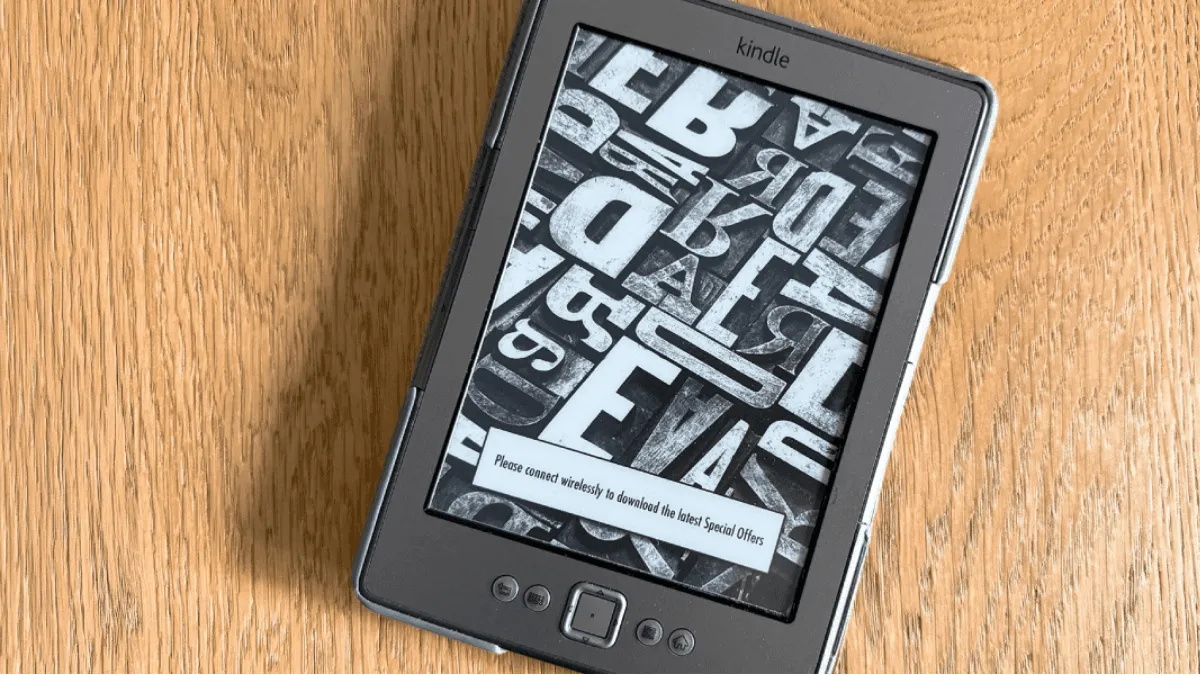
You upgraded to a new Kindle. The old one — a perfectly functional E Ink screen — sits in a drawer. Before you donate it, consider this: an old e-reader is a low-power, eye-friendly display that can run for weeks on a single charge. It’s the perfect platform for creative repurposing. Here are ten projects, from zero-effort to full tinkerer territory.
1. Digital photo frame (easiest, no jailbreak)
Every Kindle has a “sleep screen” that displays an image when the device is idle. If a Kindle shows ads, pay the $20 to remove them (Settings → Your Account → Special Offers). Then:
- Create a collection of black-and-white images sized to a Kindle’s resolution (e.g., 1448×1072 for Paperwhite)
- Copy them to the Kindle’s root directory
- Settings → Device Options → Display Cover → enable
The Kindle cycles through your images on sleep. Put it on a stand, plug it into power, and you have a permanent low-energy photo frame.
2. Weather and calendar dashboard (requires jailbreak)
This is the most popular advanced repurposing. With a jailbroken Kindle and KOReader installed, you can run a custom script that fetches weather data and displays it as a static page.
The community project KindleDash does exactly this — it generates an HTML page with weather, calendar events, and a clock, optimized for E Ink displays. Install it, set it to refresh every 15 minutes, and mount a Kindle on the wall or your desk.
Setup requires: jailbroken Kindle, KOReader, a server (Raspberry Pi works) to generate the dashboard image.
3. Pomodoro timer (no jailbreak)
The Kindle’s experimental browser can load a simple Pomodoro timer webpage. Create one or use an existing online timer, bookmark it, and you have a distraction-free focus timer that doesn’t emit the blue light of your phone.
For Kindles with no browser: use a PDF with timer graphics. Create 25-minute and 5-minute “pages” and flip between them. Low-tech but effective.
4. Todo list and grocery list (no jailbreak)
Create a simple text file with your todo list. Convert to PDF or use Send to Kindle to push it as a document. Every time you update the list, re-send it. The Kindle becomes a dedicated task display that doesn’t show notifications.
For a more dynamic version, use Todoist2Kindle (community project) — a script that fetches your Todoist list daily and emails it to a Kindle.
5. Stock ticker (requires jailbreak)
A jailbroken Kindle can run a Python script that fetches stock prices and displays them. The E Ink screen refreshes every few minutes — perfect for a passive market monitor that doesn’t demand attention the way a phone notification does.
The KindleBerry Pi project combines a Raspberry Pi with a Kindle to create exactly this. It needs technical setup but the result is a dedicated desk display that shows stock prices, weather, and calendar in one view.
6. Wall-mounted family calendar
Mount an old Kindle on the kitchen wall with a 3D-printed bracket (files available on Thingiverse). Generate a weekly calendar view as an image, push it to the Kindle, and the family always knows what’s happening. Low power means you can keep it plugged in 24/7 without worrying about screen burn-in or electricity costs.
7. Secondary coding monitor
A Kindle can act as a tiny second screen for your computer. The kindle-display project streams a portion of your desktop to the Kindle over WiFi. Use it to display terminal output, logs, or documentation while coding. The refresh rate is slow (1-2 fps), but for static text it works surprisingly well.
8. E-reader as a writing tool
The Kindle’s keyboard (or an external Bluetooth keyboard on newer models) plus a simple text editor app (on jailbroken Kindles) makes for a distraction-free writing device. No browser. No notifications. No temptation to check email. Just you and the words.
For Kobo: the KOReader text editor plugin works out of the box after installing KOReader (no full jailbreak needed on Kobo — just enable developer mode).
9. Home Assistant dashboard
If you run Home Assistant for smart home control, you can push status cards to a Kindle. The kindle-page project generates a static HTML page with room temperatures, light statuses, and door sensors. Display it on the Kindle’s browser for a permanent, low-power home control display.
10. Dedicated reading device for kids
Repurpose it into a children’s reader: factory reset, create a child profile, load it with public domain children’s books from Standard Ebooks, enable parental controls, and hand it over. No YouTube. No games. Just reading.
This actually becomes the device’s most valuable use. A dedicated reading tool with zero distractions is what most parents wish their kids had.