
 Inksky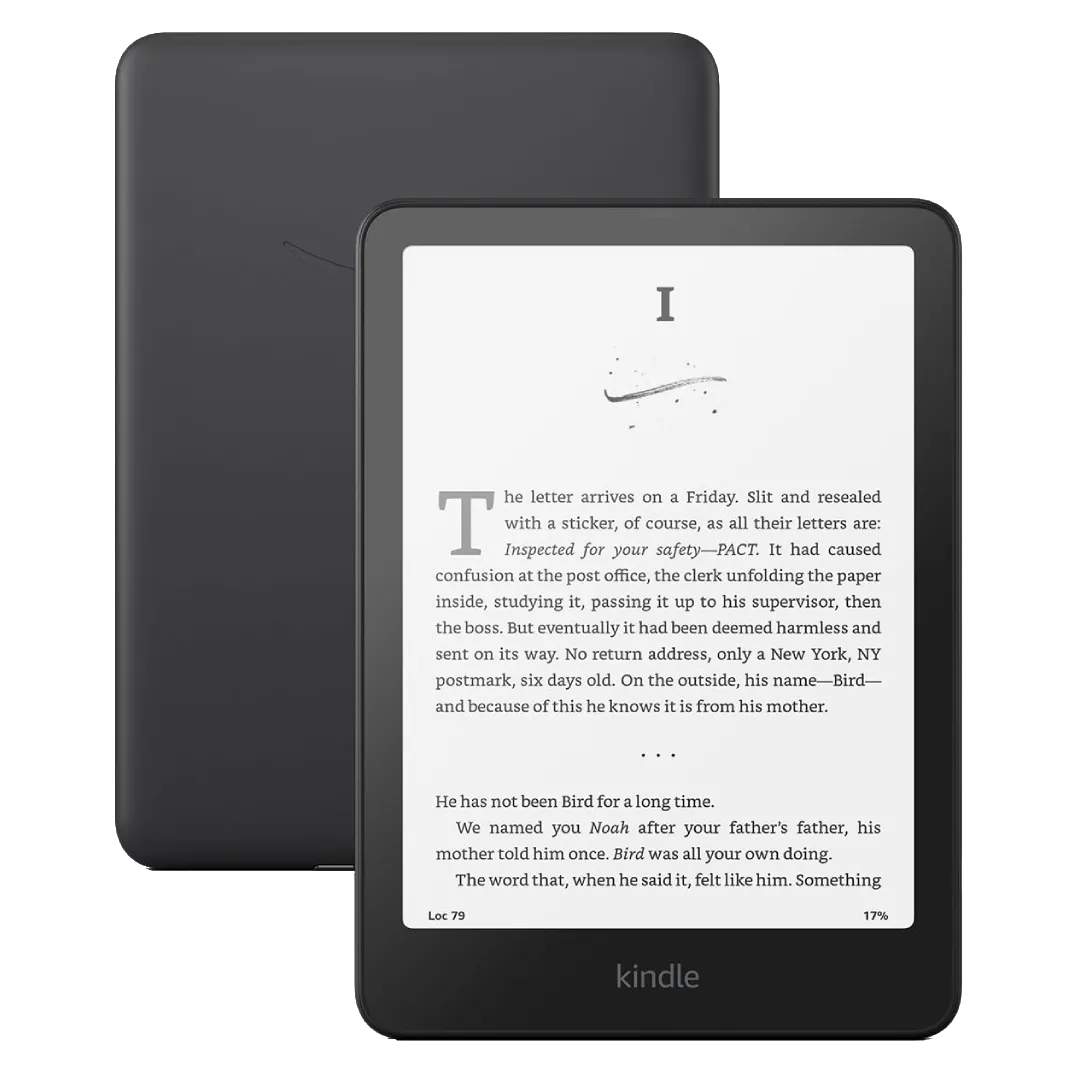
I still remember the first time Whispersync genuinely blew my mind. I’d been reading a novel on my Kindle before bed, got through a few chapters, and the next morning I opened the Kindle app on my phone during my commute. The book popped open to the exact page I’d left off on. No manually finding my spot, no squinting at page numbers — it just worked. That moment converted me.
Whispersync is Amazon’s cross-device sync technology, and when it works well, it feels like magic. Your reading position, bookmarks, highlights, and notes all float smoothly between your Kindle, your phone, your tablet, and even the web reader. Start a chapter on the couch, finish it standing in line at the grocery store.
Then there’s Immersion Reading — the feature where you own both the Kindle book and the Audible audiobook, and they sync together. You can read a chapter, switch to listening in the car, then switch back to reading, and the position stays locked across both formats. It highlights words as the narrator speaks. I’ve used this for dense non-fiction and it’s genuinely meaningful for focus. Not every title supports it, but when it’s available, it’s worth the combo price.
Now, the quirks. Whispersync’s “furthest page read” tracking occasionally drifts by a page — you’ll sync on your phone and find yourself one page behind where you actually left off on the Kindle. I’ve learned to tap the sync button manually before switching devices, which forces an explicit position save and avoids the drift. Annoying, but predictable once you know the pattern.
The big gotcha: sideloaded books don’t sync. If you drag an EPUB onto your Kindle over USB, Whispersync treats it like a stranger. No position sync, no notes sync, nothing. The workaround is sending the file to your Kindle’s email address — Amazon processes it through their cloud, and suddenly Whispersync works. It’s an extra step, but it’s the price of cross-device reading for books you didn’t buy from Amazon.
One last trick: when you’re traveling or just want to stretch your battery, disable Whispersync entirely in Settings. Without the constant background syncing, I’ve squeezed an extra week of battery out of my Paperwhite on long trips. Re-enable it when you’re back on WiFi and everything catches up.
Whispersync isn’t perfect, but after years of using it, I can’t imagine going back. The ability to pick up any device and keep reading — that’s the Kindle ecosystem’s real killer feature.